What is the most important part of blending?
The boundary. A character with a clean outline will be found even if the colors are close; a character whose outline disappears can survive a small color difference.
Core mechanic
Blending is the act of removing the visual cues that say "player" instead of "part of the painting."
Updated
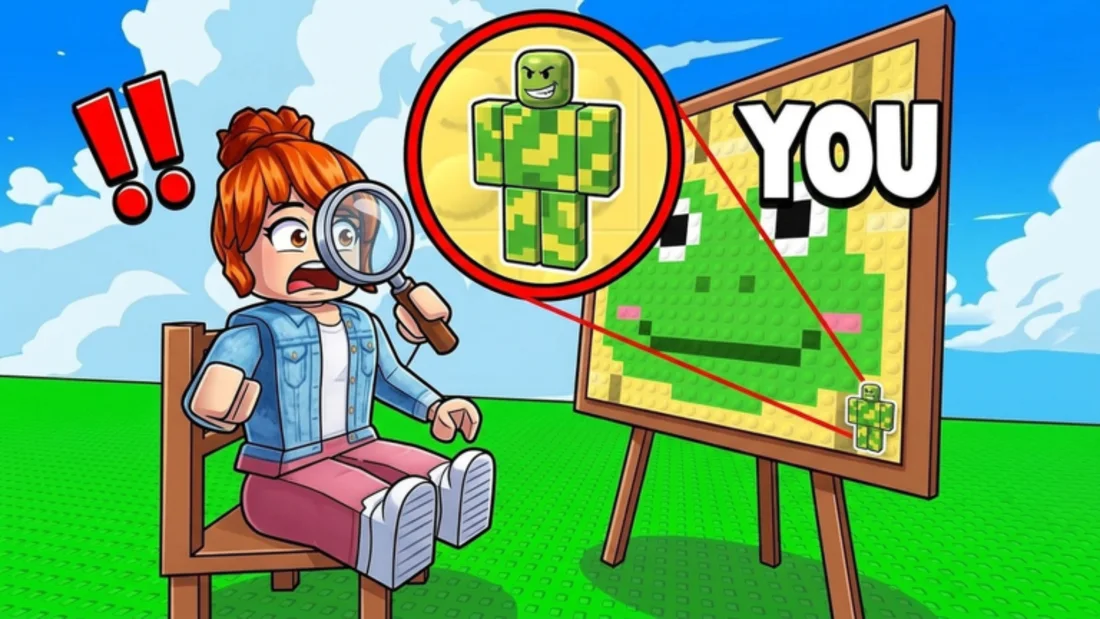
A seeker does not compare every block to the painting. That would take too long. They look for cues in a rough order: movement, silhouette, contrast, and then color. A character that is standing still but has a hard silhouette fails at step two. A character with a soft silhouette but a color that clashes fails at step three. The goal of blending is to survive all three steps.
Movement is the easiest cue to control and the easiest to forget. Once the freeze starts, any camera drift or position adjustment is movement. The second cue, silhouette, is where most blends are won or lost. The third, contrast, is about whether your body creates a light-dark edge that the painting does not contain.
Color is last because the eye is forgiving of small shade differences when the shape fits. A slightly wrong green inside a green field is much harder to notice than a perfectly matched green on a body with a black outline.
The palette gives you individual colors, but the painting is organized into regions. A region is a group of blocks that read as one shape from a distance. When you blend, you are trying to join a region, not to reproduce every block inside it.
Find the region that will sit behind your body. If it is a large green area, you need the green that dominates that area, plus one darker shade for the edge and one lighter shade for the top. You do not need every green in the painting. The region reads as one color at the distance the seeker sees it.
This is why a three-color base works. The dominant color joins the region, the dark color breaks the outline, and the light color prevents the body from reading as a flat cutout. Four or five colors can add detail, but they also add chances to introduce a shade that does not belong to the region.
Edge contrast is the difference in brightness between your body and the background at the boundary. A dark head against a light sky has high edge contrast. A dark head against a dark shape has low edge contrast. The seeker's eye is drawn to high contrast, which is why a character can have the right color and still stand out.
To reduce edge contrast, paint the blocks that touch the background with the background's color first. This is the outline pass. It is more important than the interior because the interior is often hidden by the body itself. Once the boundary disappears, the remaining color differences are much less visible.
If you only have time for one pass, make it the outline pass. A character with a rough interior and a clean boundary will survive longer than a character with a detailed interior and a hard boundary.
| Cue | What the seeker notices | How to reduce it |
|---|---|---|
| Movement | Camera drift or a late position change | Freeze early and stop input |
| Silhouette | Head, shoulders, hips, and feet forming a player shape | Paint the boundary blocks first |
| Contrast | A light-dark edge the painting does not have | Use the background color on the outer blocks |
| Color | A shade that does not appear in the region | Stick to three colors from the same area |
A practical base is: background color, shadow color, highlight color. The background color goes on the torso and legs. The shadow color goes on the head, shoulders, and any block that crosses a dark shape in the painting. The highlight color goes on the top or side that catches the eye.
If the painting has no dark shape near your spot, replace the shadow color with the second-most-common color in that region. If the painting has no light shape, skip the highlight and use the background color twice. The three-color rule is a starting point, not a requirement.
The order matters more than the exact shades. Paint the background color first because it covers the most area. Paint the shadow color second because it fixes the outline. Paint the highlight last because it is the smallest correction. If the timer ends early, you still have the two colors that matter most.
Three failure patterns cover most bad blends. The halo is a ring of the wrong color around the character, usually caused by painting the interior and leaving the edge in the default color. The sticker is a character that matches the painting's subject but is placed on a background that does not match. The cutout is a character with a clean, symmetrical outline that reads as a separate object even when the colors are close.
The halo is fixed by painting the boundary first. The sticker is fixed by choosing the spot before painting. The cutout is fixed by breaking the symmetry with the painting's own shapes.
If you can identify which pattern you are producing, you can fix it in the next round without changing your whole approach. Most players do not have a color problem; they have one of these three shape problems.
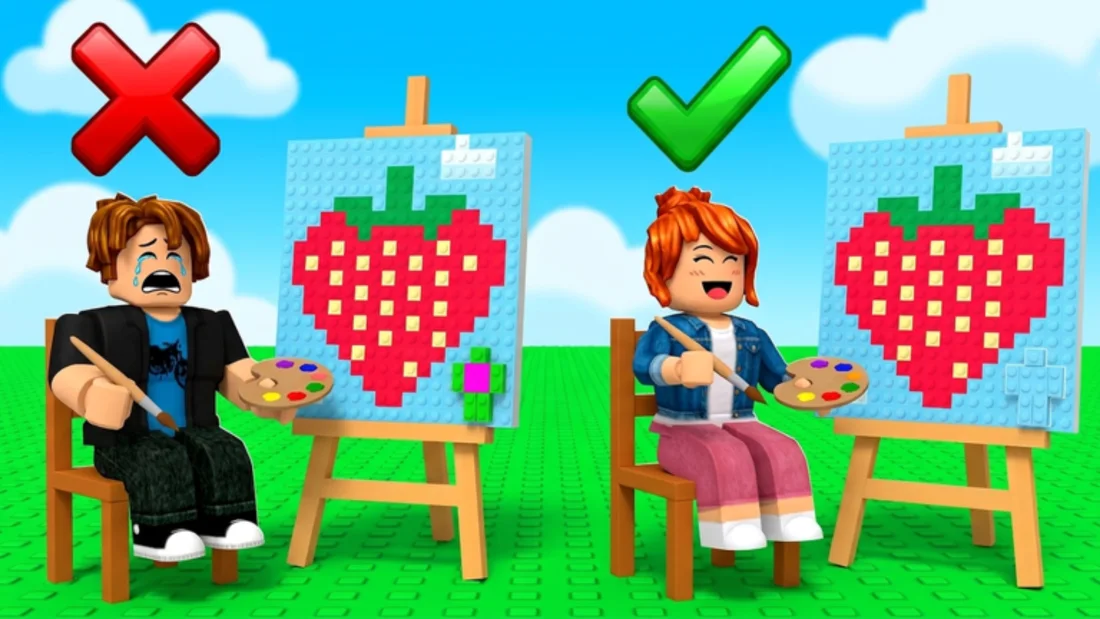
During the freeze, step back mentally. The seeker will not see the painting at the same zoom you used while painting. They will see the whole scene at a glance, then move closer. A blend that looks good at close range can fail at a distance because the large shapes do not match.
Look at the character and the painting as two silhouettes. If the character's outline is still readable, the blend is not finished. If the outline merges into the painting, the remaining color differences are probably small enough to survive.
This test is also useful in a private server. Move the camera to the seeker's likely position and look at the spot from there. The angle changes which edges are visible, and it is often the angle that reveals the mistake you could not see from the painter's view.
Stop when the boundary is gone. Additional detail rarely improves a blend and often creates a new edge. The best time to stop is when the character reads as part of the painting from a distance, even if the interior is not a perfect copy.
If the seeker is already close, stop earlier. A last-second change is more visible than a small imperfection. The goal is to survive the look, not to win a color-matching contest.
FAQ
The boundary. A character with a clean outline will be found even if the colors are close; a character whose outline disappears can survive a small color difference.
No. A three-color base covers most spots. The painting reads as regions at the seeker's distance, not as individual blocks.
Close-up viewing hides the silhouette. Step back and compare the character and the painting as shapes; the outline is easier to see from a distance.